

Blubrry now works with Apple Podcasts to integrate HTTP Live Streaming (HLS) video into shows published through Blubrry Publisher.
Blubrry hosting customers using Publisher can upload one MP4 video episode and make it available in video and audio through a single RSS feed.
Blubrry automatically prepares:
- An HLS video version for Apple Podcasts
- Your original video file
- An MP3 audio version for audio-focused podcast apps
You manage one episode and one feed. Podcast apps use the format they support.
One Podcast Should Not Require Two Publishing Workflows
Publishing a podcast in both video and audio has often meant creating separate files, uploading them to different platforms or maintaining more than one RSS feed.
This new workflow is designed to simplify that process.
When you upload a video episode through Blubrry Publisher, Blubrry automatically creates the HLS video and MP3 audio versions. The HLS video, original video file and MP3 enclosure are included within the same feed.
That means you do not need to upload a separate MP3, create a second feed or manage multiple versions of the same episode.
Watch, Listen or Switch With a Tap
With video on Apple Podcasts, audiences can watch or listen to the same episode and switch between audio and video with a tap.
Someone might watch part of an interview at home, switch to audio when they leave and continue from the same point. They do not need to search for another version of the show or move to a separate feed.
What Is HTTP Live Streaming Video?
HTTP Live Streaming video, commonly called HLS video, is the technology Apple Podcasts uses to provide adaptive video playback.
Rather than delivering one large video file at a fixed quality, HLS video divides the episode into smaller segments and prepares it at multiple quality levels.
As someone watches, Apple Podcasts can adjust the video quality to match their Wi-Fi or cellular connection. This can help video begin playing faster and reduce buffering interruptions when connection conditions change.
A weak or interrupted connection can still cause delays, but adaptive playback gives the app more flexibility than a single fixed-quality video file.
What Blubrry Creates From Your Upload
After you upload an MP4 episode through Blubrry Publisher, Blubrry automatically creates three available formats.
HLS video for Apple Podcasts
Blubrry prepares the episode as a 1080p Full HD HLS video version formatted for Apple Podcasts.
Your original video file
The original uploaded video remains available for podcast apps that support standard video enclosures.
An MP3 audio version
Blubrry generates an MP3 version for apps that do not support HLS video.
All three formats are included within the same RSS feed. Apple Podcasts uses HLS video, while other apps select the video or audio format they support.
Who Can Use This Feature?
This new video publishing workflow is currently available to Blubrry hosting customers using Blubrry Publisher.
It is not available through PowerPress at this time.
PowerPress customers can continue publishing through their existing WordPress workflow. No changes are required.
How to Get Started
Before publishing your first HLS video episode, connect Apple Podcasts Connect to your Blubrry account.
1. Create an Apple Podcasts Connect API key
Sign in to Apple Podcasts Connect, go to Account > API Keys and create a new key. Download the key file.
2. Upload the key to Blubrry
In the Blubrry dashboard, go to:
Show > Manage > Apple Key
Upload and verify the file.
3. Publish through Blubrry Publisher
Upload an MP4 video and create your episode as usual. Blubrry will automatically generate the HLS video and MP3 audio versions.
Some processing time is required before the episode becomes available to watch on Apple Podcasts.
For complete instructions, visit Blubrry HLS documentation.
More Ways to Experience Your Podcast Without More Work
Video does not need to replace audio, and every podcast does not need to become a video show.
This release gives Blubrry Publisher customers more flexibility. Creators can use video when it supports the episode while continuing to serve audience members who prefer to listen.
With one video upload, audiences can now watch, listen or switch between audio and video with a tap.
Learn more at at HLS at Blubrry or follow the setup instructions in Blubrry’s documentation.


 Programmatic advertising
 Rocky and Matt emphasized that direct relationships with advertisers should remain a podcaster’s bread and butter. Programmatic, they said, should be viewed as supplemental revenue — a way to optimize unused inventory, or to generate income while building toward stronger, direct sponsorship deals.
 The conversation underscored how complex programmatic systems are — and how much potential they still hold. Matt noted that programmatic fill rates vary based on content quality, consistency, and advertiser demand, with some shows reaching up to 100%.
 Think of

 Dave adds an important reminder: “Most podcasts get discovered on listening apps — not on Google.” That means if you’re only posting episodes on your website or social media, you’re missing where most listeners actually spend their time.
 Ever upload a new podcast episode, cross your fingers, and hope the download numbers climb? You’re not alone — but you don’t have to leave growth to chance. According to Dave Clements, Blubrry’s longtime support analyst, “Podcasting feels personal, but growth is math. Without data, you’re guessing — ‘I think people liked that guest?’
 Start with the Recent Episode Stats panel. This provides a snapshot of how your latest batch of episodes is performing, including total downloads over the past 30 days, the number of episodes included, and your global ranking. “That context helps you set smart growth goals and not sweat the small spikes or dips,” Dave explains.
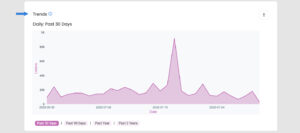
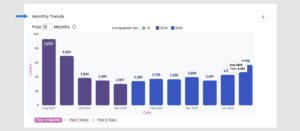 Beyond episode snapshots, look at long-term trends. The 30-day daily graph gives you heartbeat-level insight, showing spikes from promotions or guest appearances. The Monthly Trends chart zooms out even further, letting you spot seasonal patterns, format shifts, or long-term growth.
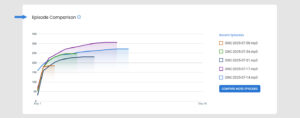 Want to know which episodes really connected with your audience? Use the Episode Comparison tool to line up shows side by side and compare performance. For a deeper look at listener behavior, check out Average Daily Plays.
 “That chart helps you see if an episode keeps pulling listeners long after launch—hello, evergreen content!” says Dave.
 The Estimated Audience panel breaks downloads into unique listeners and loyal subscribers. “If subscriber counts lag behind total listeners, remind casual fans to follow in-app,” Dave recommends.
 “Quantitative stats say what happened; surveys tell you why,” Dave reminds us. Use the free, built-in
 “A podcast is more than episodes; it’s a weekly (or daily) handshake with your audience,” Dave explains. “That intimacy builds trust faster than any headline or selfie ever could.”
 “Tools like transcripts or AI-generated social snippets inside our dashboard help you push that same voice onto blogs, reels, and newsletters—no copy-paste fatigue,” Dave notes.
 “Data isn’t just numbers; it’s feedback on you,” Dave reminds us. “Dive into your analytics—download trends, listener geography, even episode-level retention.”
 As a guest and/or an interviewer, how you show up can make or break the interview. Blubrry Podcasting’s Dave Clements, support analyst and podcast pro, breaks down how to elevate every conversation — from passable to phenomenal.
 Hosting a great podcast interview isn’t about showing off your own expertise — it’s about bringing out
 Blubrry Podcasting helps you level up no matter where you sit—host, guest, or both. “At Blubrry, we’re here to help you look and sound your best—whether you’re behind the mic or behind the scenes,” says Dave.
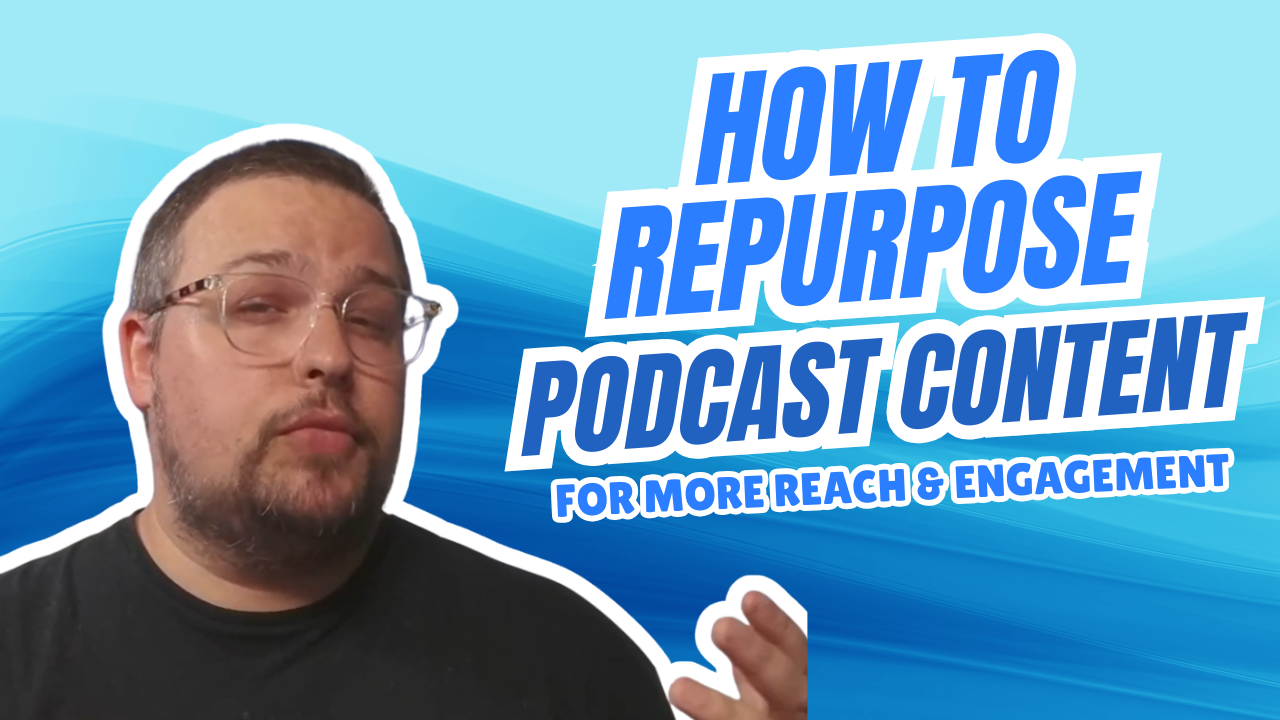
 Each podcast episode is more than just a one-time listen — it’s a resource. Repurposing that content helps keep it visible and valuable long after it’s published.
 The best part? Blubrry provides the tools to streamline the entire process.
 Repurposing isn’t just about reusing — it’s about reimagining.
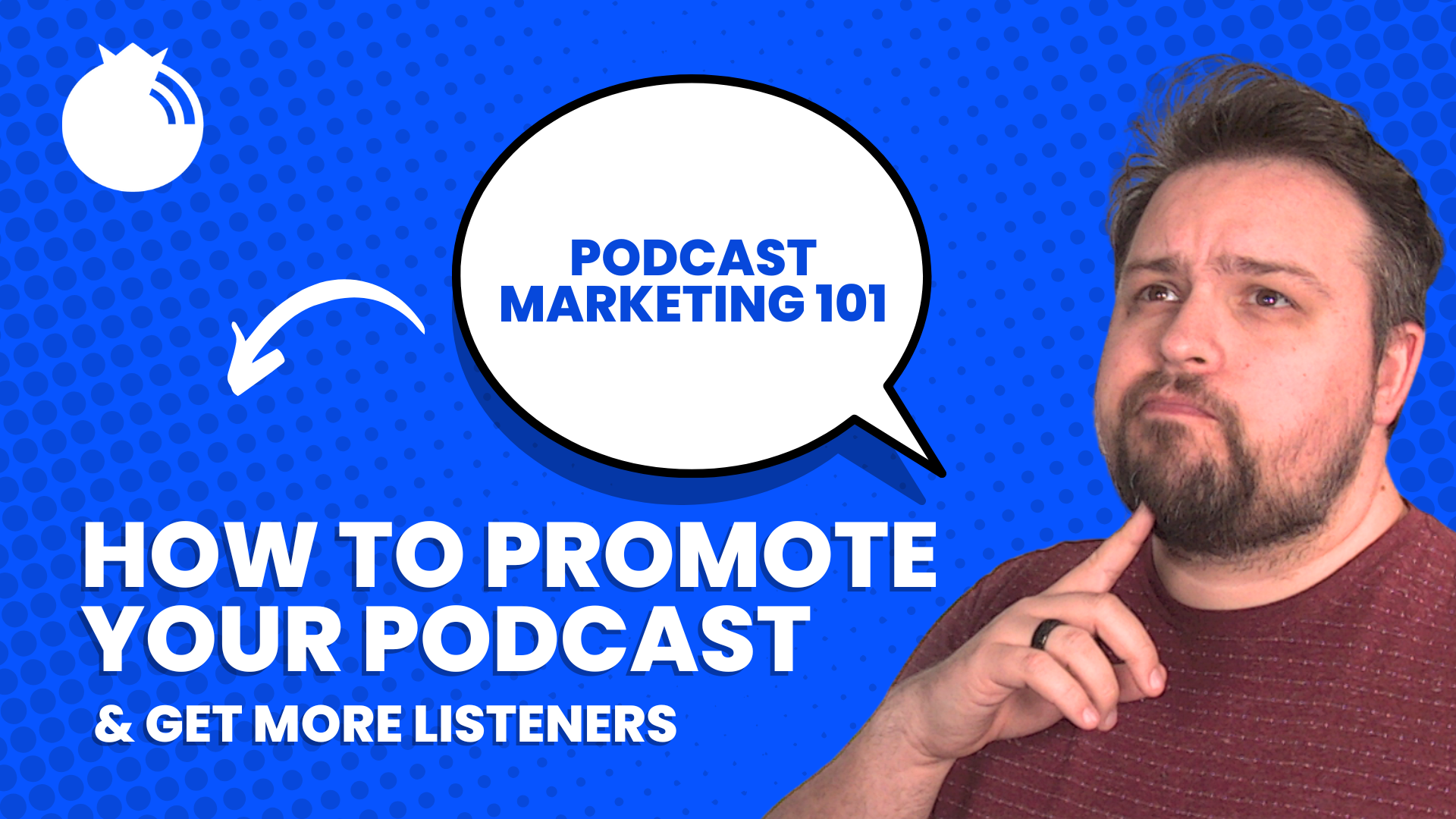
 Think of your podcast as a storefront — it needs to look sharp and be easy to navigate. Dave recommends reviewing your cover art, episode titles, and descriptions with a fresh set of eyes. “Your
 Marketing isn’t a one-and-done deal. “Track. Measure. Refine.” is Dave’s mantra. Keep an eye on downloads, open rates, and listener feedback. If something isn’t working, adjust. If something is working, double down.