
Record High-Quality Podcast Episodes — with Tips from Blubrry’s Dave Clements
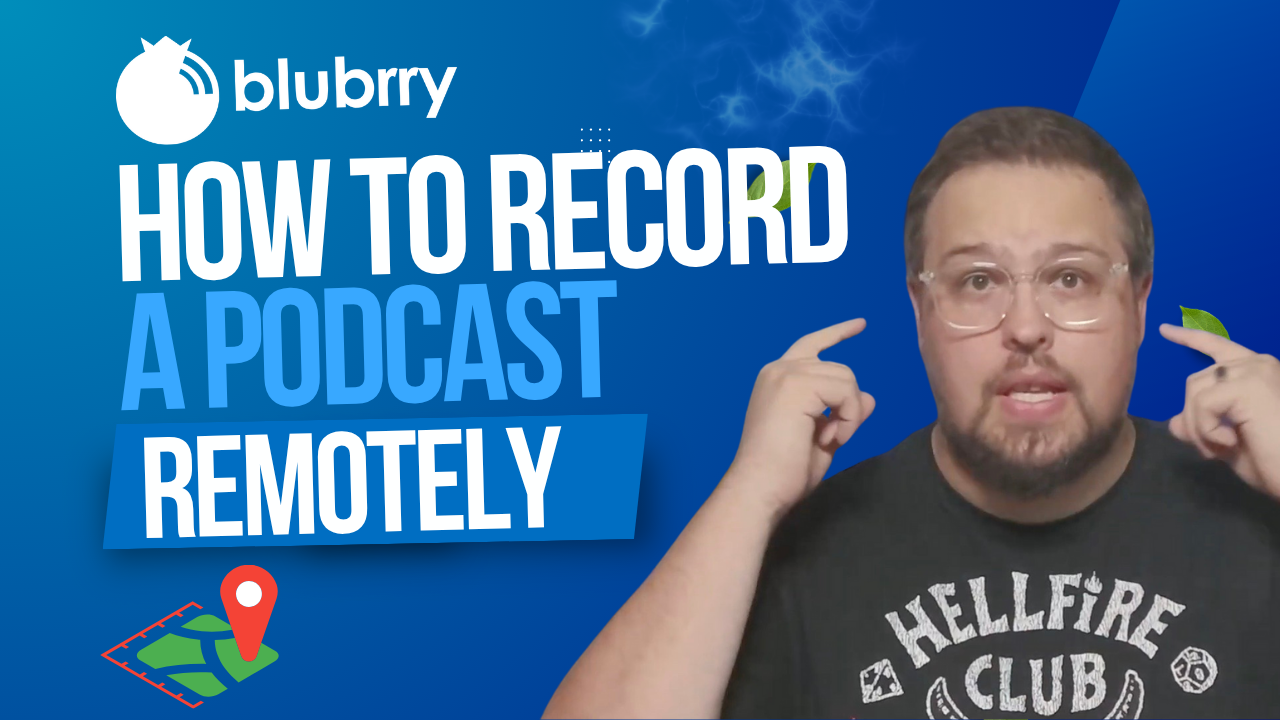 We all want the most incredible podcast guests, right? But what if they’re thousands of miles away? No problem. As Blubrry support analyst Dave Clements asks: “Ever booked a great guest, only to panic because they’re halfway across the country? Let me show you how to record high-quality podcast episodes remotely, without the tech headaches.”
Nowadays, remote recording is no longer optional — it’s essential. Whether your co-host is in a different time zone or your expert guest is traveling, you can still capture a professional-quality episode if you plan smartly.
Get the Right Tools
 Dave reminds us of the early days: “Back in the day, we had Skype and double-enders, which… yeah. Those were some rough times.” Fortunately, tools like Riverside, SquadCast, and Zoom have changed the game. Choose platforms that record locally on both ends and offer separate audio tracks to streamline your editing. “Always run a test call before the real thing,” Dave advises, “and always remember to hit Record.”
Prep Your Guest Like a Pro
 Don’t assume your guest knows the ropes. “Send a quick checklist,” Dave says, with equipment basics like using headphones, choosing a quiet space, and avoiding built-in laptop mics. And if they’re unfamiliar with the recording software, schedule a five-minute tech check beforehand — it can save hours of editing later.
Backup, Backup, Backup
Glitches happen. That’s why Dave urges podcasters to “always have a backup.” Whether it’s QuickTime, Audacity, or a secondary Zoom recording, redundancy ensures your episode isn’t lost to a technical hiccup.
Create a Great Audio and Video Experience
A strong internet connection helps, but it’s not everything. Ask your guest to sit near their router or use an Ethernet cable to connect. And if you’re using video, Dave offers this tip: “Check their camera angle — no one wants to stare up someone’s nose for 45 minutes.”
When it comes to audio, “You can only polish bad audio so much,” Dave warns. Encourage your guest to use an external microphone or, at the very least, avoid echo-prone rooms. Monitor levels as you go, and don’t be afraid to pause and fix issues in real time.
Foster Natural Conversation — Even Remotely
Remote doesn’t have to mean disconnected. “Start with a casual pre-recording chat to warm up and build rapport,” Dave suggests. “When the guest feels relaxed, the conversation flows better—and listeners can tell.” Eye contact, body language, and active listening all contribute to a more cohesive and engaging episode.
Don’t Skip Post-Production Polish
 Remote audio often needs a bit of TLC. Dave recommends using noise reduction, EQ, and compression to balance voices. “If you recorded separate tracks — thank yourself later,” he adds, “It makes editing smoother and lets you fix audio issues on one side without affecting the other.” Check out our media mastering options with Auphonic and/or our Professional Production options!
Final Checklist Before You Hit Record
Dave wraps up with a must-do checklist:
- Quiet space? ✅
- Headphones on? ✅
- Mic and levels checked? ✅
- Backup recording rolling? ✅
- Guest feels confident? ✅
“Now you can hit record with peace of mind, not crossed fingers,” he says.
With the right preparation and tools, remote podcasting can feel just as connected and dynamic as being in the same room. As Dave puts it, “Remote podcasting doesn’t have to be risky or messy. With a few smart steps, you’ll sound like you’re in the same room—even if you’re miles apart.”
Now go record something amazing!

 As podcasters are looking for easier ways to share their content, we partnered with Audioburst to make this possible — they offer